

Latest Version
Gary (BLumia) Wang et al.
Design
Linux
Free
net.blumia.pineapple-pictures
Report a Problem
More About Pineapple Pictures
When you need to open a graphic file quickly on Linux, you do not always want a heavy photo suite to load. Pineapple Pictures image viewer is a lightweight, distraction-free utility designed specifically for users who value speed and simplicity over complex cataloging tools.
What is Pineapple Pictures Image Viewer?
Developed by Gary (BLumia) Wang et al., this software serves a highly specific niche in the design and utility category. Unlike traditional gallery managers that index your entire hard drive, the Pineapple Pictures image viewer focuses entirely on rendering individual files instantly. It does not include bloated database features, making it exceptionally fast to launch.
Key Features of This Minimalist Tool
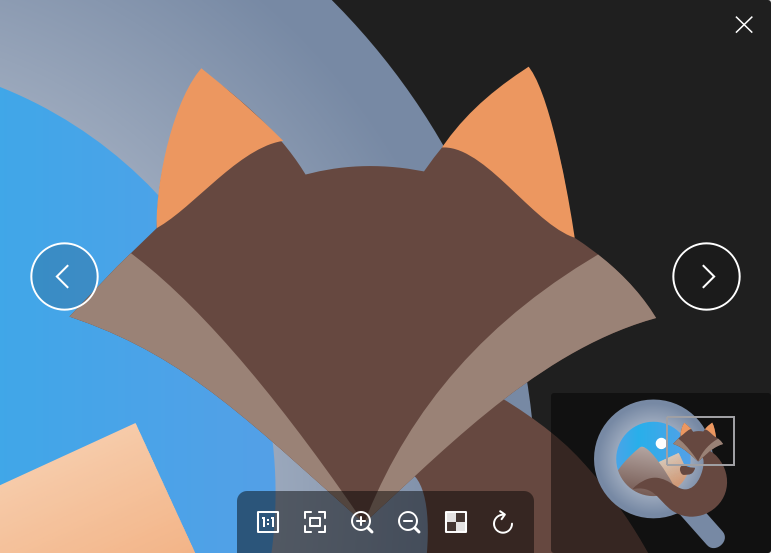
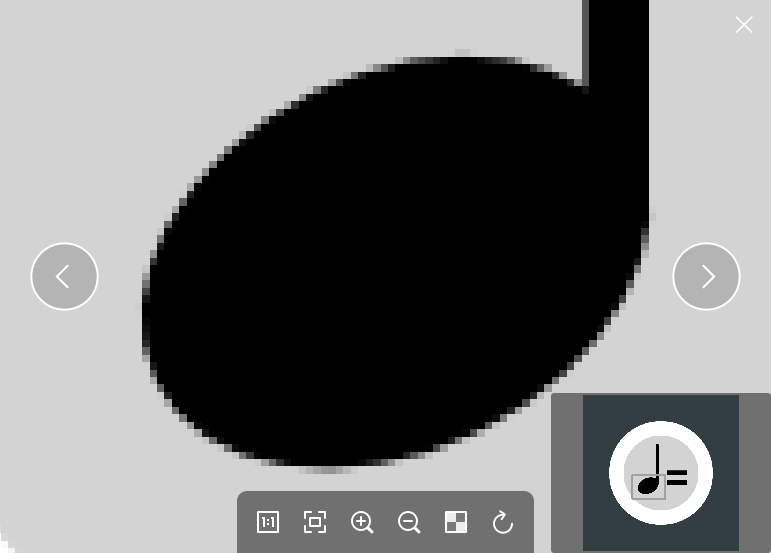
- Navigation Thumbnail: When you zoom in on a high-resolution graphic, a clever mini-map thumbnail appears to help you navigate the magnified canvas without losing your orientation.
- Zero Management Overhead: By omitting albums, tags, and editing tools, the application remains incredibly responsive and lightweight.
- Clean Interface: The minimalist window design keeps your focus entirely on the artwork or photograph rather than cluttered toolbars.
Who is the Pineapple Pictures Image Viewer For?
This software is an excellent match for Linux-based designers, developers, and digital artists who frequently inspect assets but prefer to manage their directories manually. If you find standard system viewers sluggish or overly complicated, this streamlined tool offers a refreshing, utility-first alternative.
The Verdict
If you want an elegant, single-purpose tool that does one job perfectly, this utility is highly recommended. To explore this lightweight viewer for your own workstation, visit the official Flathub store page to learn more about its installation options.
Rate the App
User Reviews
Other Apps in This Category



Popular Apps








Editor's Choice