
Latest Version
FOKUSEK ENTERPRISE SRL
Tools
Mac
Free
1564673279
Report a Problem
More About Docs for Google Docs and Drive
A Seamless Way to Manage Your Cloud Workspace
For macOS users who rely heavily on cloud-based office suites, toggling between multiple browser tabs to manage different files can quickly disrupt productivity. Docs for Google Docs and Drive offers a dedicated desktop environment designed to streamline your workflow. Instead of dealing with the resource-heavy demands of web browsers, this utility brings your documents, spreadsheets, and presentations directly into a structured native-feeling interface on your Mac.
Key Features of Docs for Google Docs and Drive
The application is built to accommodate both casual users and professionals who require advanced file management capabilities. Here are the standout features of this tool:
- Multi-Account Management: Easily switch between and manage multiple Google accounts from a single, unified interface without constantly logging in and out.
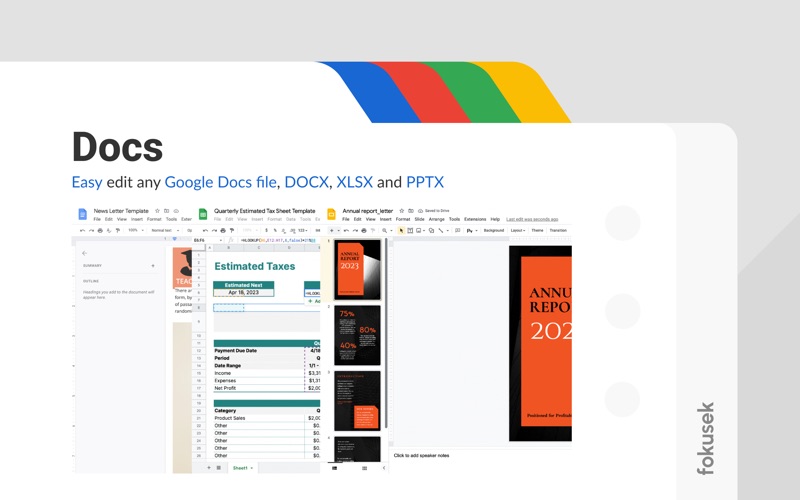
- Versatile File Editing: Edit your Google Docs files alongside standard office formats such as DOCX, XLSX, and PPTX seamlessly.
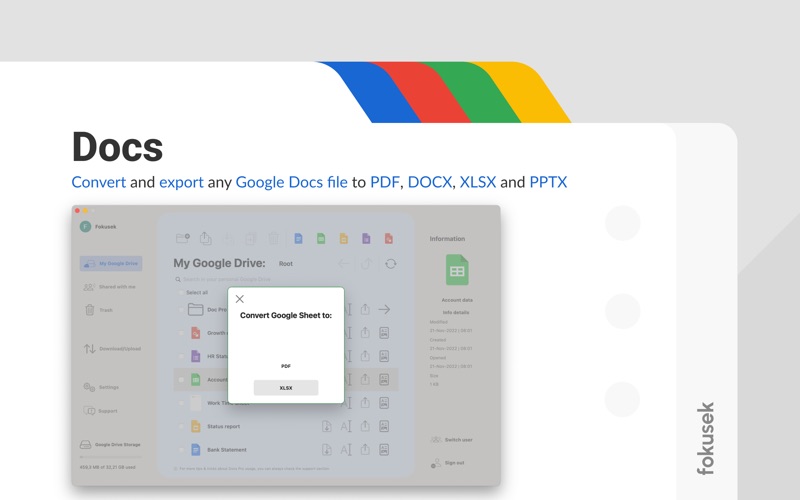
- Robust Export Options: Convert and export your cloud documents directly into PDF, DOCX, XLSX, or PPTX formats.
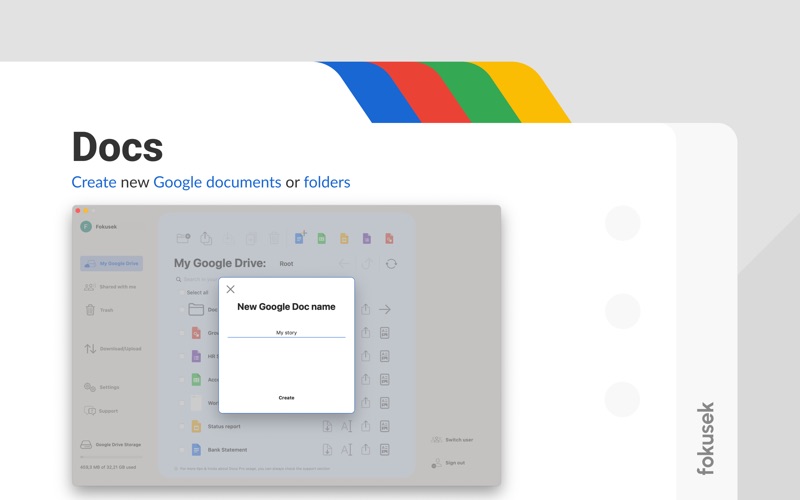
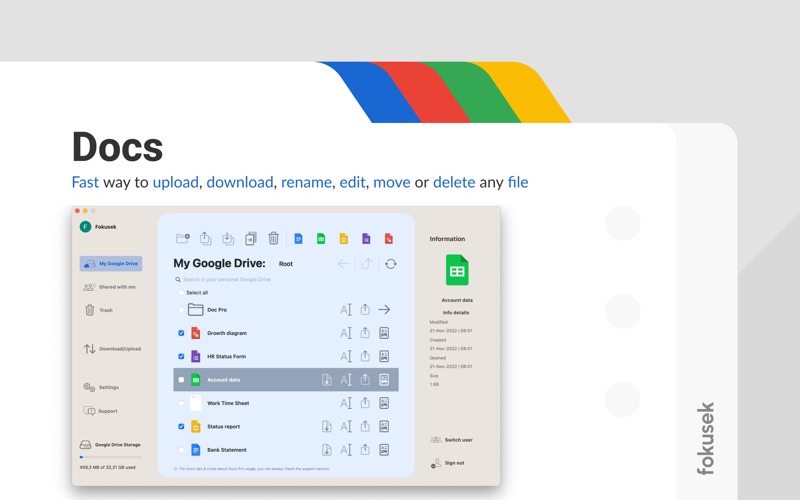
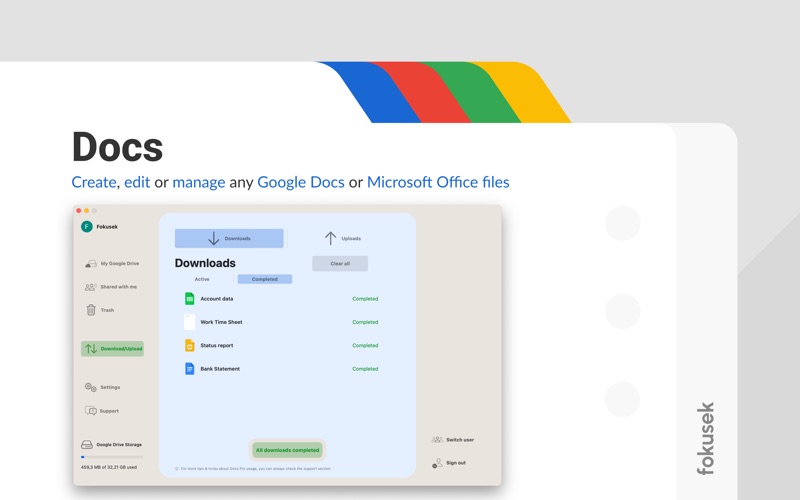
- Comprehensive File Operations: Quickly upload, download, rename, move, organize, or delete folders and files.
- Unified Search: Search through your entire library of stored files and shared documents instantly.
Who Is This Productivity Tool For?
This software is specifically tailored for Mac users who manage complex file systems across different Google accounts. Whether you are a freelancer balancing multiple clients, a student organizing coursework, or an enterprise professional coordinating shared team folders, having a dedicated desktop portal simplifies daily file operations. The clean, modern user interface ensures that even those with minimal technical experience can navigate their cloud drive efficiently.
Enhancing Your macOS Workflow
By integrating directly with your Mac, Docs for Google Docs and Drive bridges the gap between local file management and cloud storage. It utilizes official APIs to ensure secure data handling while providing a fast, responsive environment for creating and editing your documents. If you are looking to optimize your cloud productivity, you can explore this application and check licensing options directly on the official Mac App Store.
Rate the App
User Reviews







Popular Apps








Editor's Choice